
Totality for trainers
Me: your own training, food, progress and sleep
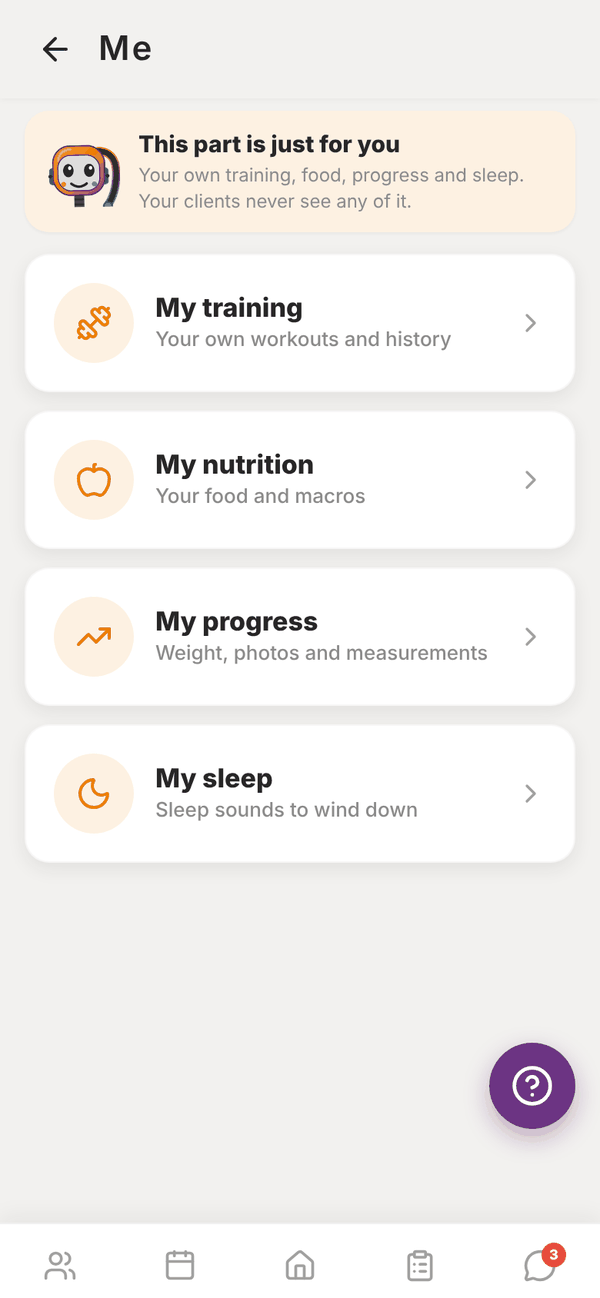
The Me tile holds your own training, food, progress and sleep sounds. Put a programme on yourself and log your workouts.
You can train with Totality too. Tap Me on Home: "This part is just for you. Your own training, food, progress and sleep. Your clients never see any of it." It has four tiles:
- My training: your own workouts and history
- My nutrition: your food and macros. See Your own food log
- My progress: weight, photos and measurements, plus strength
- My sleep: sleep sounds to wind down
Put a programme on yourself#
- Open My Programmes from Home and tap a programme.
- Tap Functions, then Assign to Me.
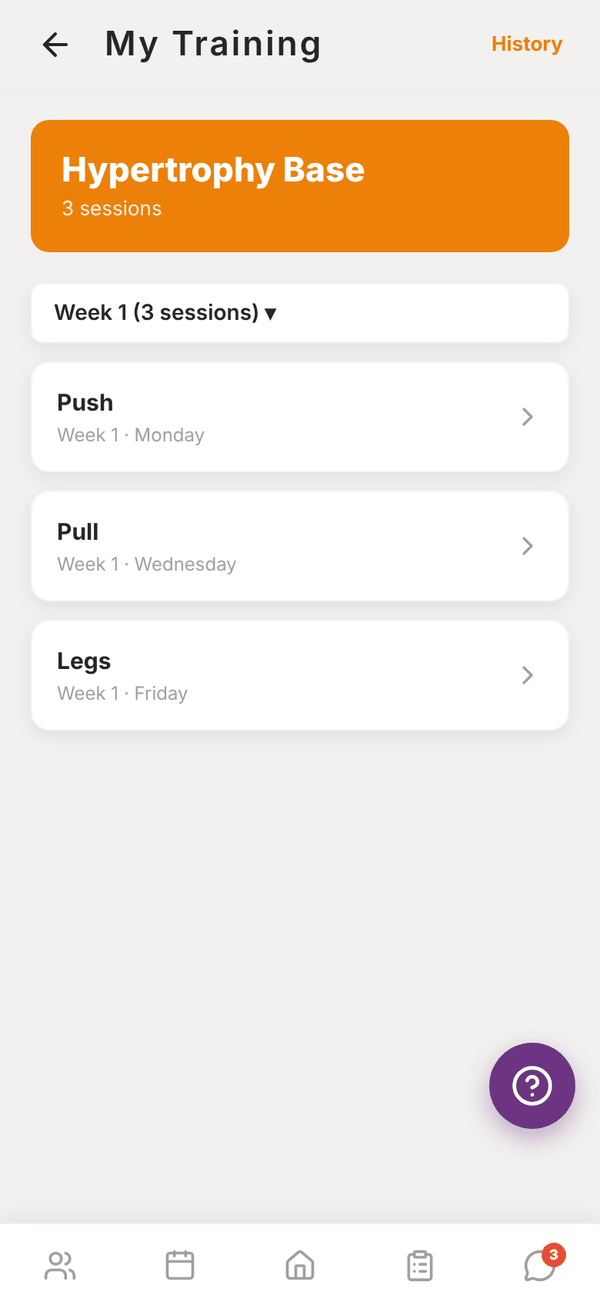
- Open Me, then My training. Your programme is there.
If you already have a main programme, the new one becomes your main one, unless your current main programme was set by another trainer, in which case that one stays your main.
Log a workout#
- In My Training, pick the week with the week picker (for example Week 1 (3 sessions) ▾). It shows how many you've done that week.
- Tap a session.
- Log your sets with weight, reps and RPE, exactly like a client session.
- Tap Finish.
Sessions you've done show Done.
My progress#
Me, My progress has four tabs, the same as your clients get: Weight, Measures, Photos and Strength. Log your weight, take measurements, add progress photos and see your estimated 1RM for each lift.
My sleep#
Me, My sleep plays calming sounds while you drift off. Tap a ready made scene like Rain on a tin roof, play last night's mix, or make your own from 35 sounds with a timer that fades out. It's free. It came with the newest version of the phone app, so update the app if you don't see it.
Your history#
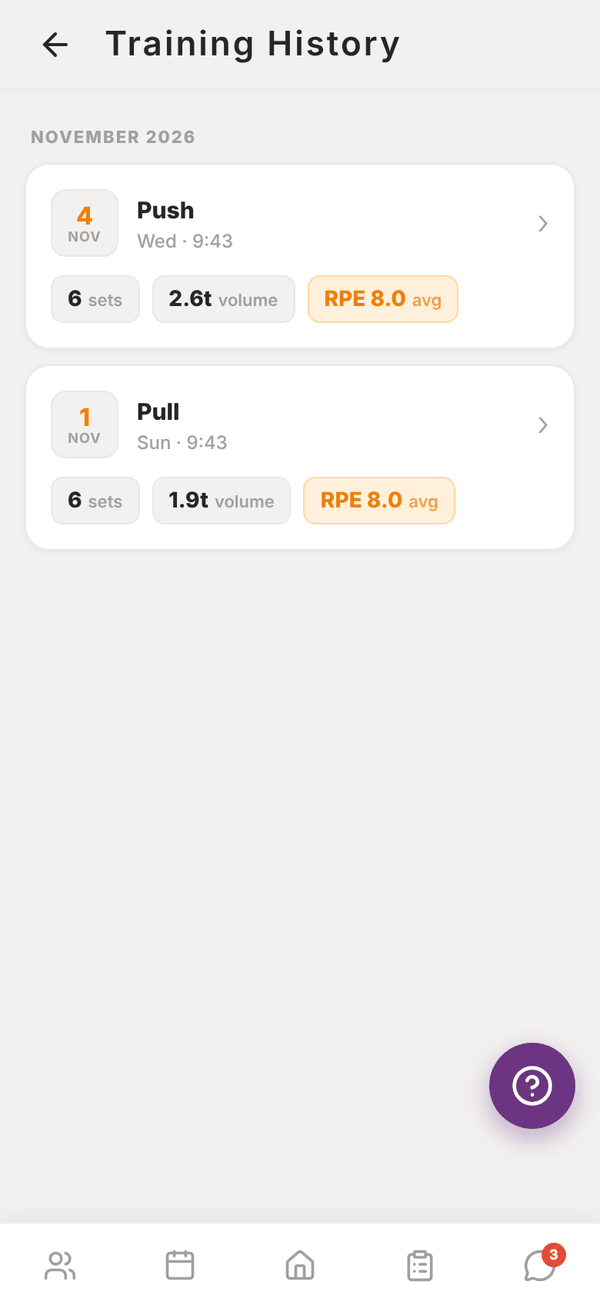
Tap History at the top of My Training for Training History: every session you've logged, grouped by month, with sets, volume and average RPE. Tap a session to see each exercise.
Questions#
Does my own training count towards my client limit?
No. You're not a client.
Is my food log here too?
Your food log is under Me, My nutrition. See Your own food log.