
Totality for trainers
Settings
Every section of Settings, from your profile and plan to units, credits, Tali, calendars, referrals, notifications, password and sign out.
Open Settings from the Home shortcuts. Here's every section, top to bottom.
Profile#
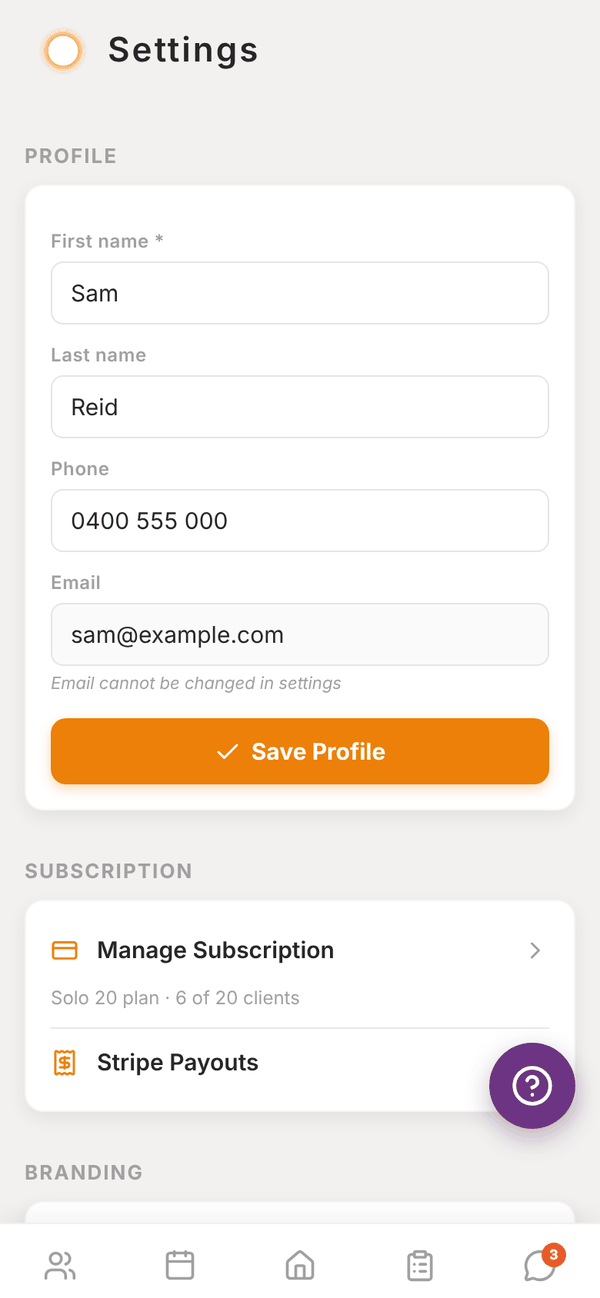
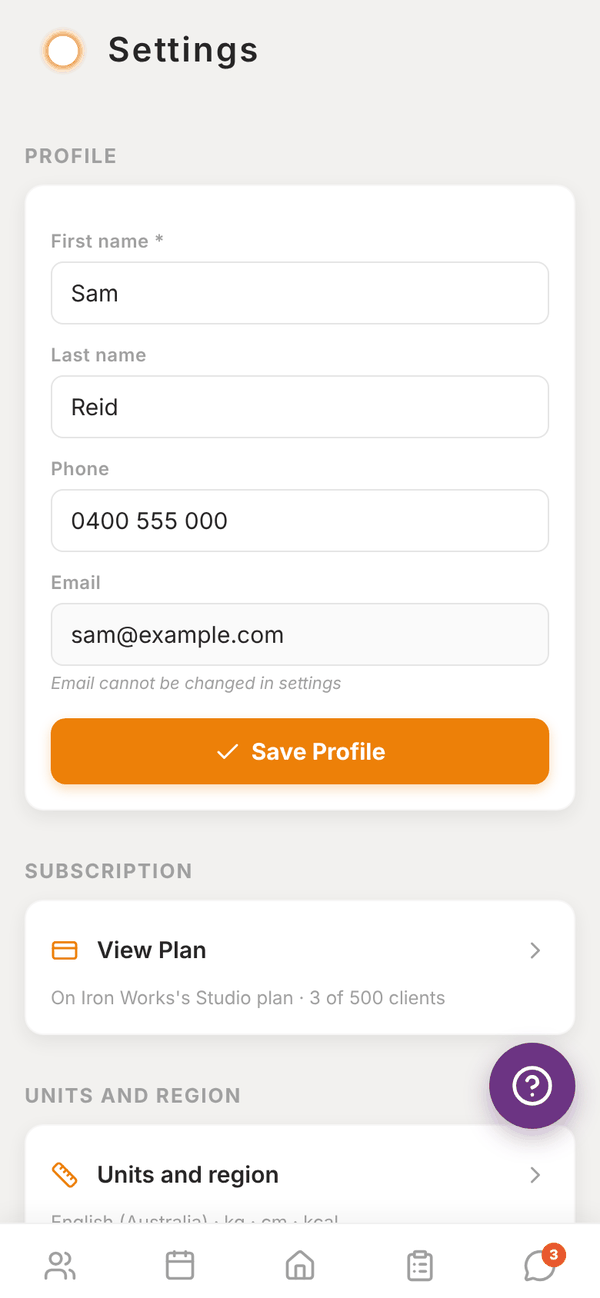
Change your First name, Last name and Phone, then tap Save Profile. Your Email can't be changed here. Email admintotality@gmail.com if you need it changed.
Subscription#
- Manage Subscription (independent) or View Plan (gym trainers) opens your Subscription. Under it you see your plan and clients, for example "Solo 20 plan · 6 of 20 clients" or "On Iron Works's Studio plan · 3 of 500 clients".
- Stripe Payouts (independent) jumps to Trainer Payouts. See Getting paid.
Branding#
Independent trainers only: Your logo and colour. See Branding.
Units and region#
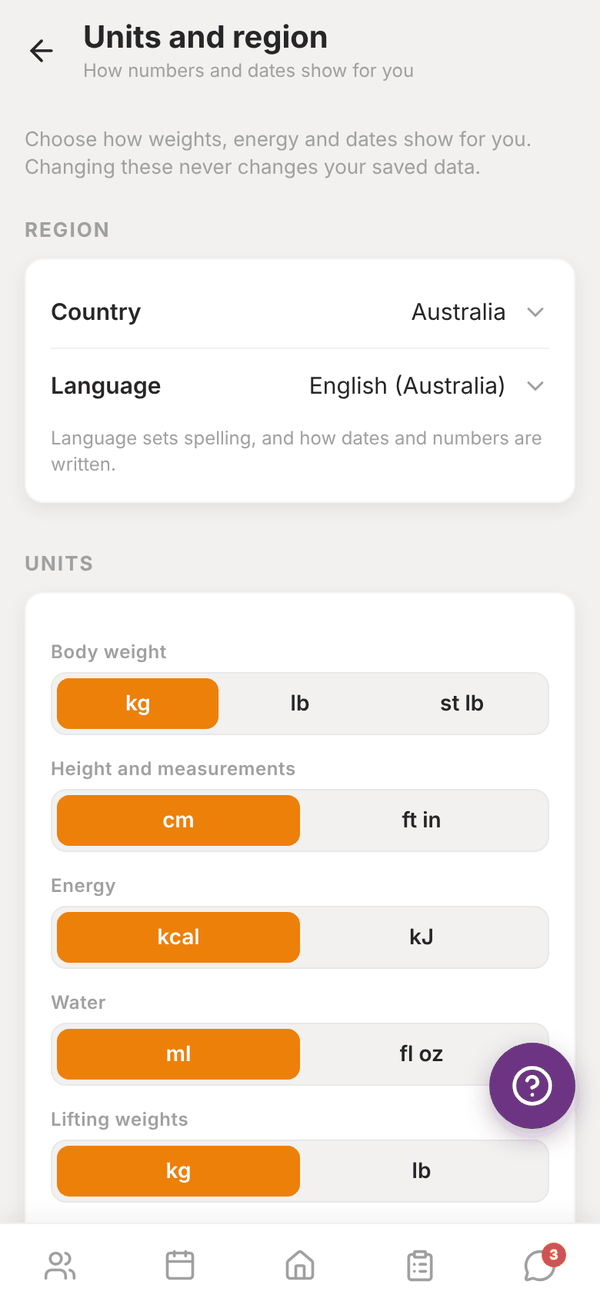
Tap Units and region to choose how numbers and dates show for you. Changing these never changes your saved data.
- Region: Country and Language (which sets spelling, and how dates and numbers are written). Changing your country switches every unit to that country's usual ones. Use (country)'s usual units puts them all back in one go.
- Units: Body weight (kg, lb, st lb), Height and measurements (cm, ft in), Energy (kcal, kJ), Water (ml, fl oz), Lifting weights (kg, lb), Distance (km, miles).
- Dates and time: Week starts on (Monday, Sunday, Saturday) and Time (12 hour, 24 hour), with a preview.
- New clients: Starting units for new clients: Their phone, Metric or Imperial. Clients can change their own later.
Allied health tools#
For exercise physiologists, physios, massage therapists, dietitians and anyone who sees clients by appointment. Switch on what you use:
- Funding and referrals: Medicare, DVA, Workcover, NDIS, Aged Care, private health or your own, with billing codes.
- Services, Intake forms and Treatment notes (independent trainers). Then tap Set up services and intake forms. At a gym or clinic, these are set by the business and show on a client when it has them switched on.
Switching one off hides it. Nothing already saved is deleted. See Services, notes and invoices.
Purchases#
Purchase History lists anything you've bought in Totality.
POS and billing#
- Independent trainers: the Credit System switch. See Credits.
- Gym trainers: a note that your gym manages session credits.
Tali AI#
Your plan, credits left and the reset date, with Add Tali: +1,000 credits a month (A$9.99/mo) (or Manage Tali add-on). Gym trainers see that credits are shared across the gym. See Tali AI.
Google Calendar and Calendar sync#
Connect Google Calendar both ways, or add a one-way link to Google or Apple Calendar. See Calendar sync.
Refer and earn#
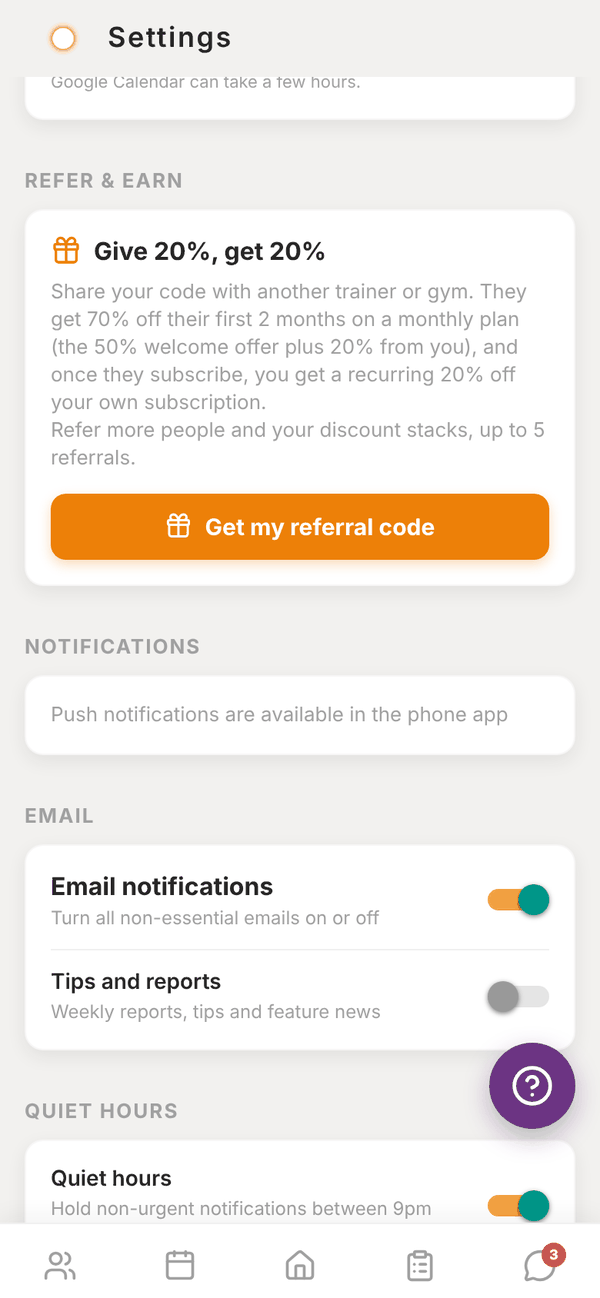
Share your code with another trainer or gym. Give 20%, get 20%:
- They get 70% off their first 2 months on a monthly plan (the 50% welcome offer plus 20% from you).
- Once they subscribe, you get a recurring 20% off your own subscription. Each extra referral adds another 20%, up to 5 referrals.
Tap Get my referral code, then Share my code. The card counts Referred, Converted and Discounts active.
Notifications#
On the phone app you can switch these on or off:
- Push notifications (all of them), then Messages, Client logged a session, Client submitted a check-in and New client added.
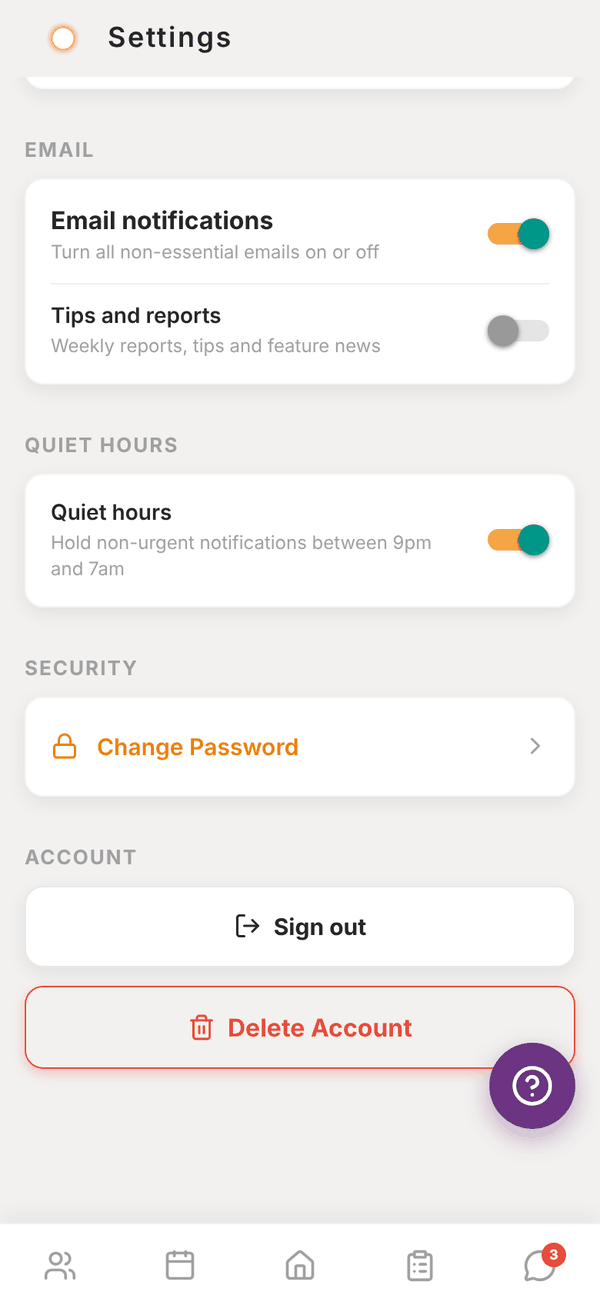
- Email notifications (all non-essential emails), then Tips and reports (weekly reports, tips and feature news).
- Quiet hours: hold non-urgent notifications between 9pm and 7am.
On the web you see "Push notifications are available in the phone app". Email settings work everywhere.
Security#
Tap Change Password, enter the New password twice (at least 8 characters), then Save Password.
Account#
- Sign out asks you to confirm.
- Delete Account permanently deletes your account and all your data after you confirm with Delete My Account. Any Totality billing you pay for is cancelled. This can't be undone.
Questions#
I changed units and my old numbers look different.
Your data is stored the same way. Only how it's shown changes, so 100 kg shows as 220.5 lb and back again.
Why can't I see Branding or Stripe Payouts?
They're for independent trainers. At a gym, the gym's branding and Stripe account are used.
Where's the Help button?
The purple ? button floats on every screen. It opens Report an Issue. See Troubleshooting.