
Totality for gym owners
Find a screen, Everything and Add-ons
Search for any screen from your dashboard, see every owner screen in five groups, and check what each add-on includes.
Totality has a lot of screens. You do not need to remember where each one lives.
Find a screen#
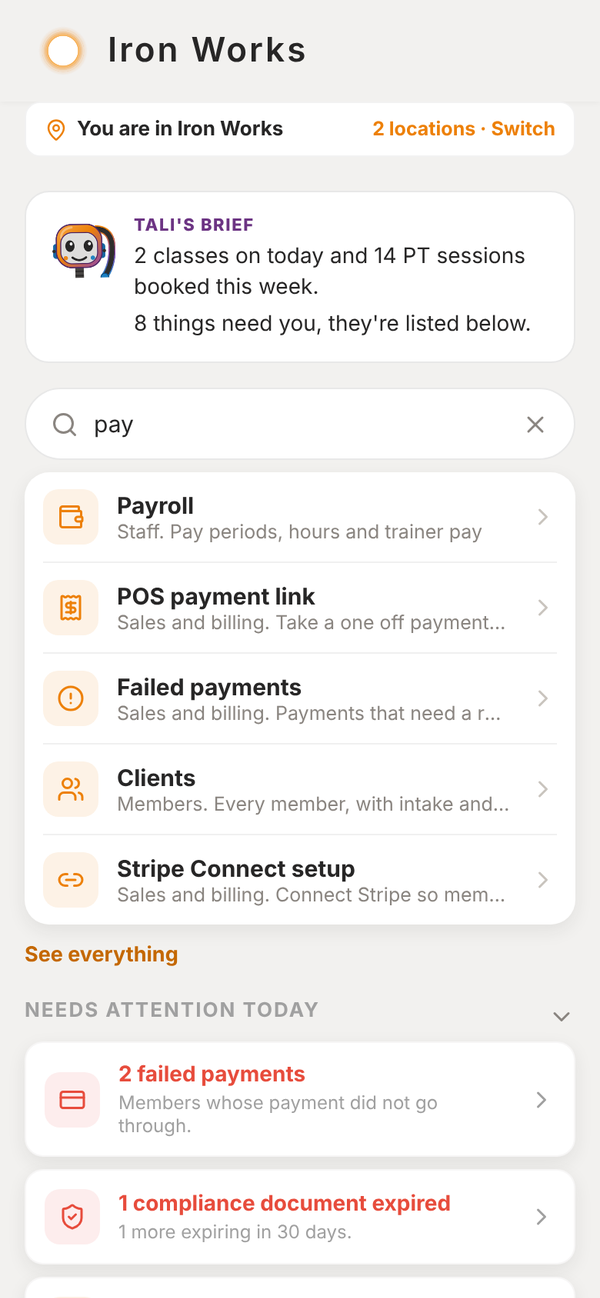
At the top of your dashboard there is a search box that says Find a screen, like payroll or leads. Type a word and tap the screen you want.
Everything#
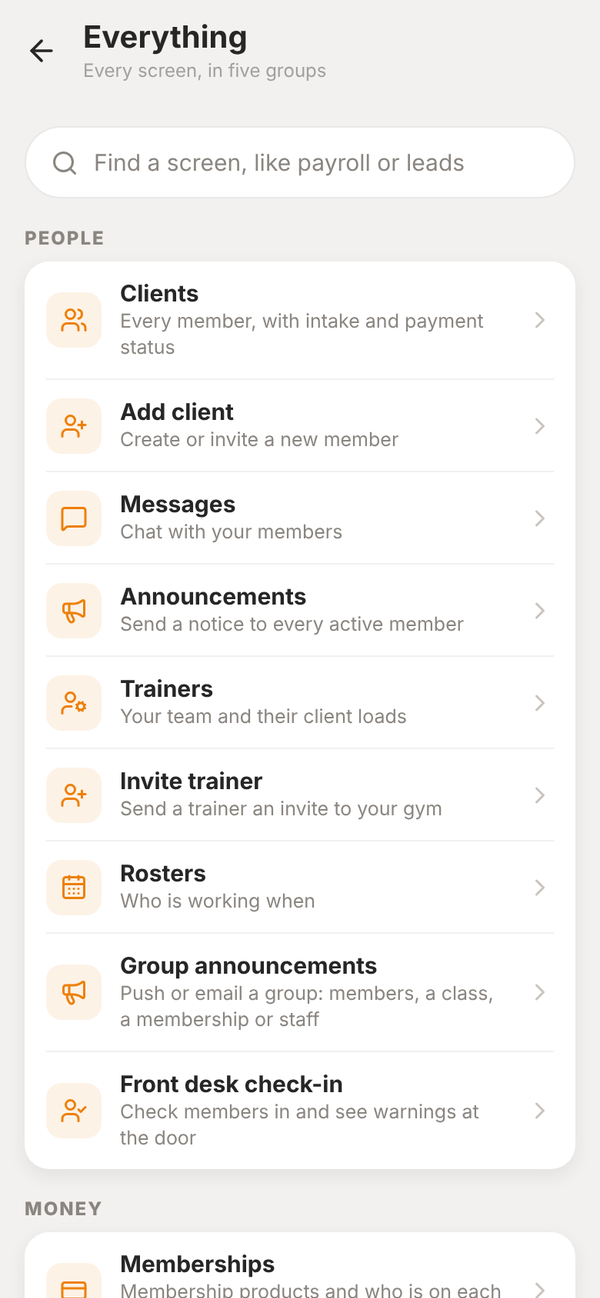
Tap See everything under the search box. Every owner screen is listed in five groups:
- People: clients, trainers, rosters, messages and announcements
- Money: memberships, PT packages, invoices, payments, payroll and credit checks
- Training: programmes, classes and the schedule
- Growing: leads, your website and On autopilot
- Setting up: imports, compliance, add-ons, your plan and Stripe
Sections that fold away#
Sections on the dashboard fold away when you tap their heading, and stay how you left them on that device. Needs attention today shows the top three items first, with Show all for the rest. Key numbers start closed.
Add-ons#
Open Add-ons from Everything, under Setting up. It shows what each add-on includes and whether it is on:
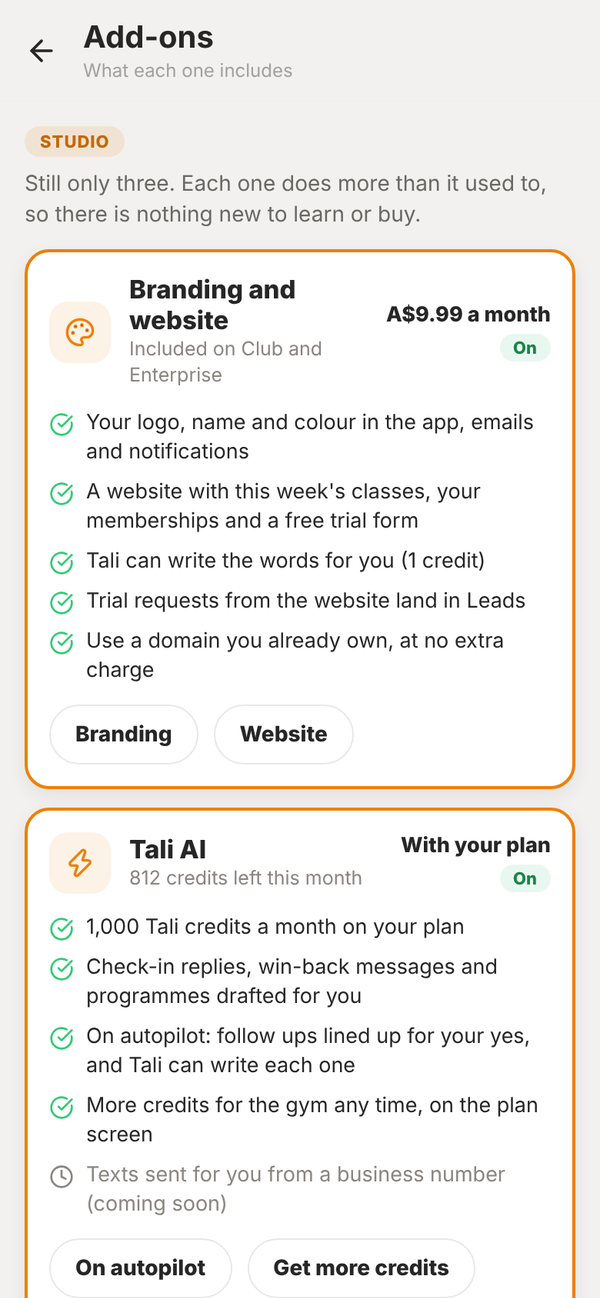
- Branding and website: your logo, name and colour in the app, emails and notifications, plus your website. A$9.99 a month on Studio, included on Club and Enterprise.
- Tali AI: your monthly Tali credits and what Tali can draft for you.
- POS: selling, payments and the bookkeeping pack. Included on every gym plan.
Buying or cancelling an add-on stays on Your Totality plan.