
Totality for gym owners
Gym details and settings
Change your gym's name, address and contact details, see your usage and find every setting in one place.
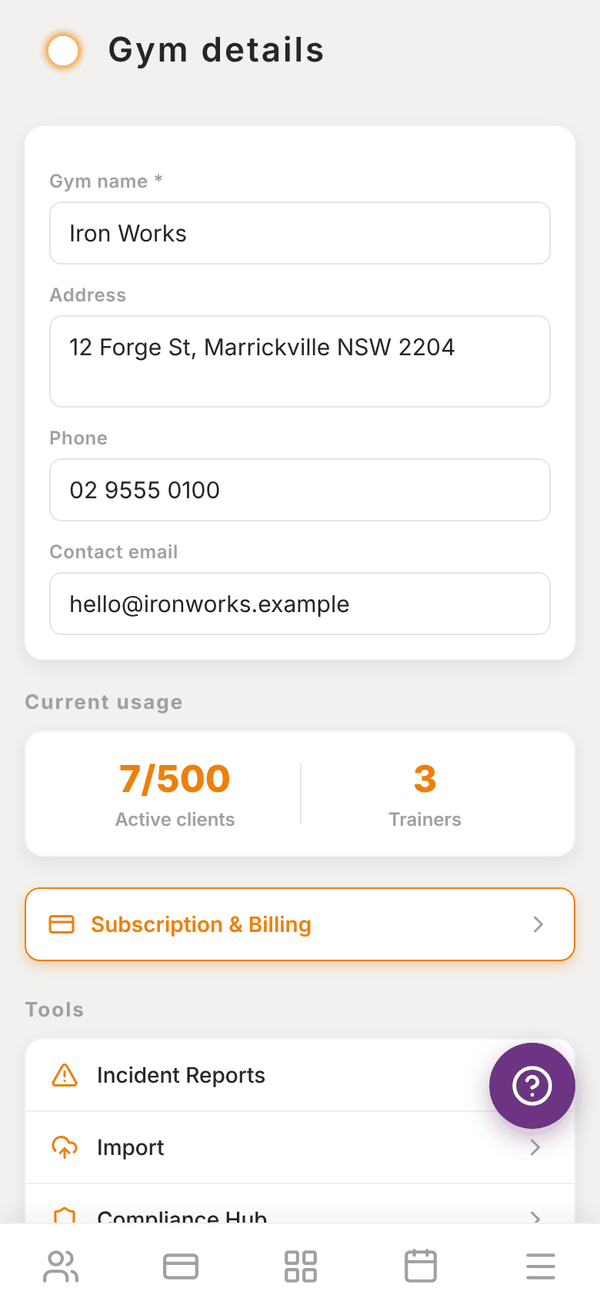
Everything about your gym's account lives in Settings. To get there, tap the More tab, then Settings. The screen is titled Gym details.
Change your gym's details#
- Open More, then Settings.
- Change any of Gym name (required), Address, Phone and Contact email.
- Scroll to the bottom and tap Save changes.
Your gym's name shows at the top of your dashboard, on member emails and in the app your members use.
Current usage#
The Current usage card shows how many Active clients you have out of your plan's limit (for example 48/500) and how many Trainers. Under it, Subscription & Billing opens your Totality plan. See Your Totality plan.
What kind of business is this?#
Pick Gym or studio or Allied health or clinic. A clinic gets services, intake forms and treatment notes, each with its own switch, and clinic wording across the app. See Allied health and clinic tools.
Tools#
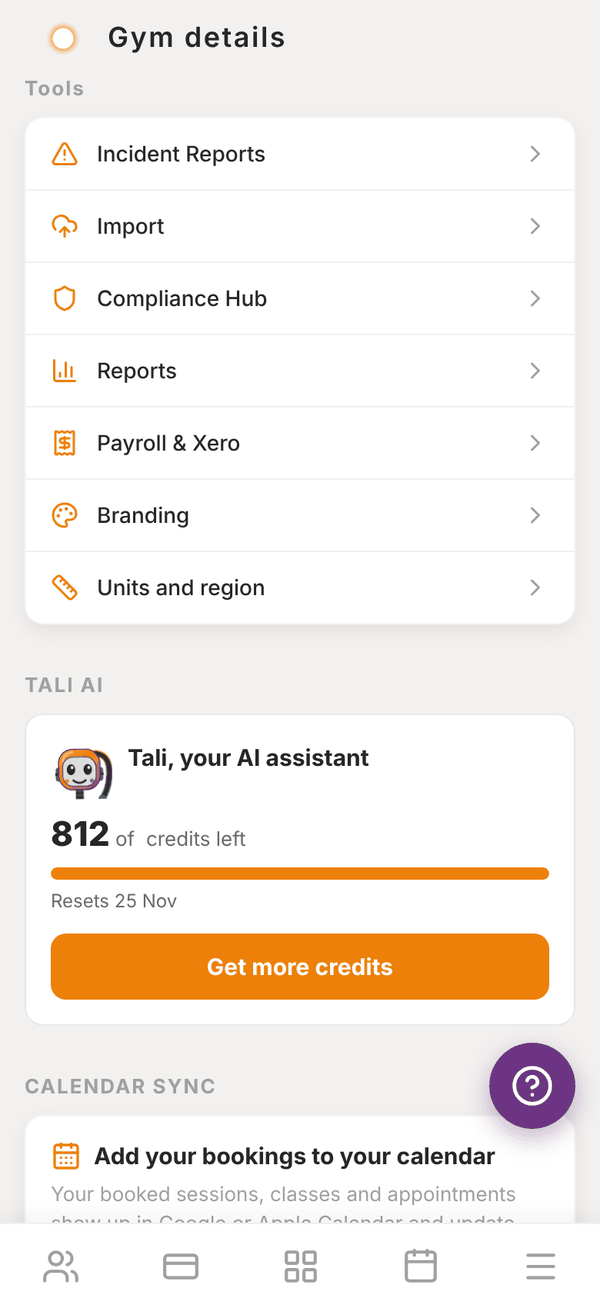
The Tools list is a shortcut to:
- Incident Reports: see Incident reports
- Import: see Importing your data
- Compliance Hub: see Compliance
- Reports: see Reports and expenses
- Payroll & Xero: see Payroll and Xero
- Branding: see Branding
- Units and region: see Units and region
Tali AI credits#
The TALI AI card shows how many credits are left this month, a bar of how much you have used and the date they reset. Get more credits opens your plan, where you can add more. See Tali AI for gyms.
Calendar sync#
The CALENDAR SYNC card puts your bookings into the calendar on your phone or computer. Your own 1:1 sessions, classes and lead appointments assigned to you show up and stay up to date.
- Add to Google Calendar or Add to Apple Calendar subscribes your calendar to a private link. It is one way: changes in Totality show in your calendar, not the other way round. Apple refreshes roughly every 15 to 60 minutes, Google every few hours.
- Reset link makes a new private link. Any calendar using the old link stops updating.
Refer & Earn#
REFER & EARN ("Give 20%, get 20%") makes your referral code. Tap Get my referral code, then Share my code. The card counts how many people you have Referred, how many Converted and the Discounts active. See Plans for gyms.
Notifications#
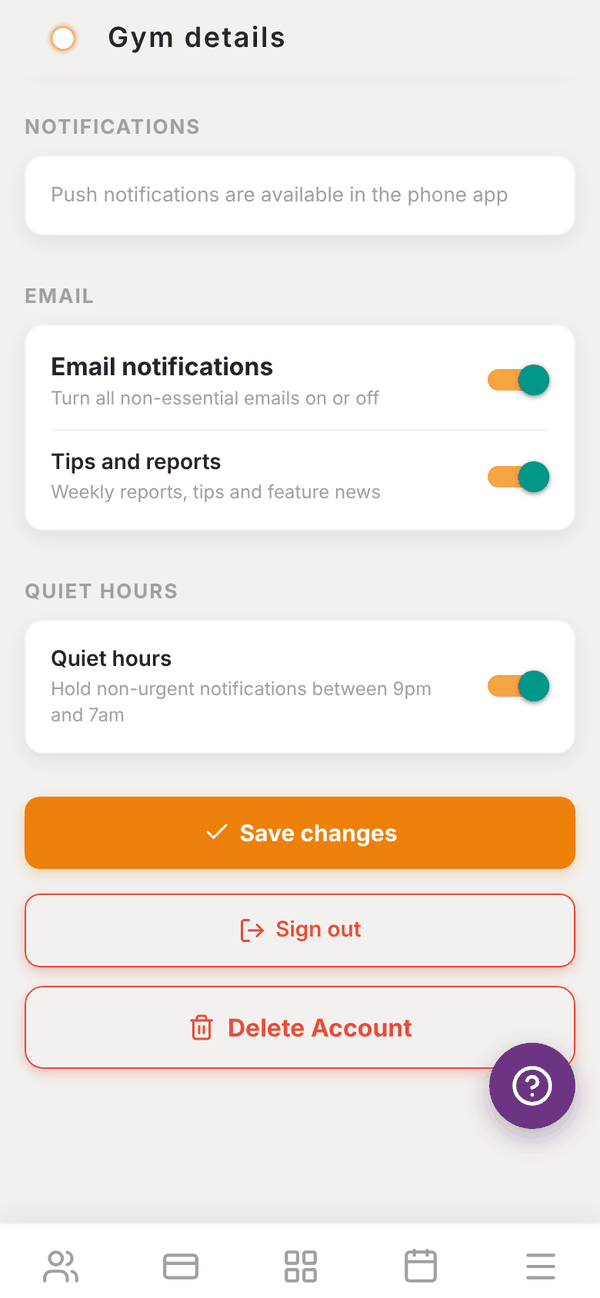
The NOTIFICATIONS, EMAIL and QUIET HOURS sections are covered in Notifications.
Sign out and delete account#
At the bottom are Sign out and Delete Account. See Account, privacy and deleting.
Questions#
I changed the gym name but the old one still shows.
Make sure you tapped Save changes at the bottom of Settings. Then pull down on the dashboard to refresh.
Where do I change my own name or password?
To change your password, sign out and use Forgot Password? on the sign in screen. To change the name on your login, email admintotality@gmail.com.
Can I have more than one gym on one account?
No. Each account runs one gym. If you run more than one location, email admintotality@gmail.com to talk about Enterprise.